Outlook Express Conversion - Convert DBX to PST, EML
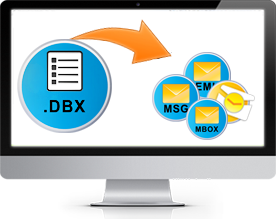
DBX Converter is the best Outlook Express Conversion to convert DBX files to PST & EML files. Using DBX Converter software users can convert Outlook Express mailboxes to MS Outlook, Thunderbird etc. DBX Converter software is dual powered Outlook Express Conversion tool to perform dual process:
- Convert DBX to PST
- Convert DBX to EML
- Convert DBX to MSG
- Convert DBX to RTF
How to Convert DBX Files?
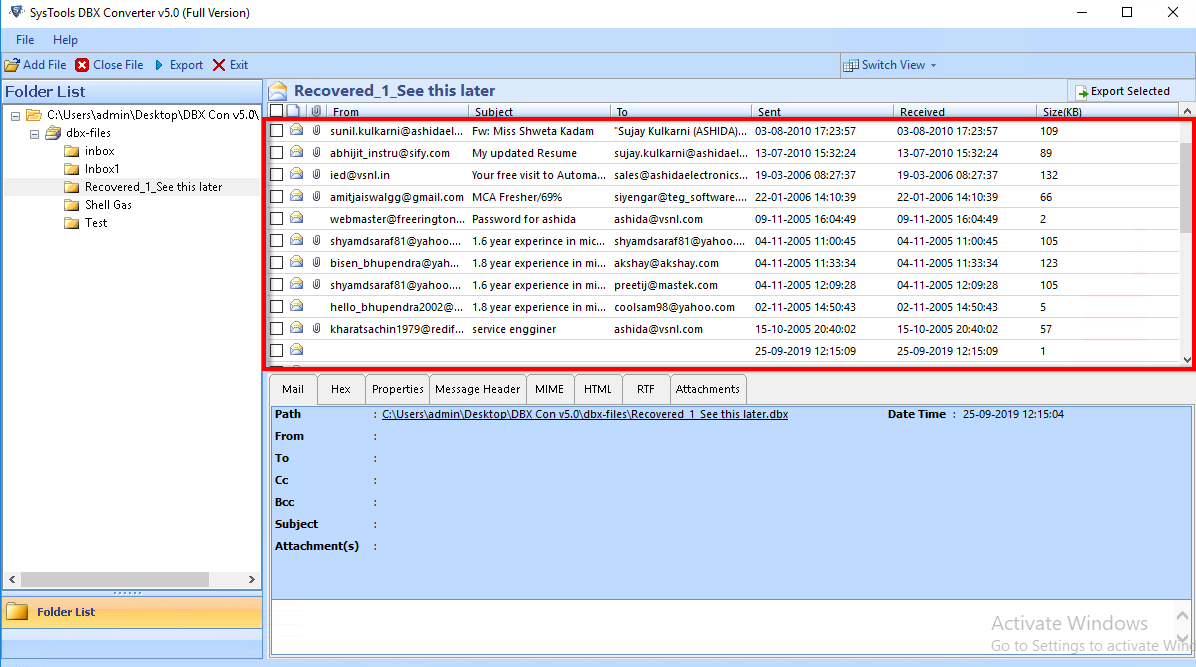
Open SysTools DBX Converter. Go to Start menu » Programs » SysTools DBX Converter » SysTools DBX Converter. Software will display following screen:
How to Convert DBX Files using SysTools DBX Converter Software ?
- The first step is to open SysTools DBX converter. For that user has to go to Start menu » Programs » SysTools DBX Converter » SysTools DBX Converter. Software will display the following screen:
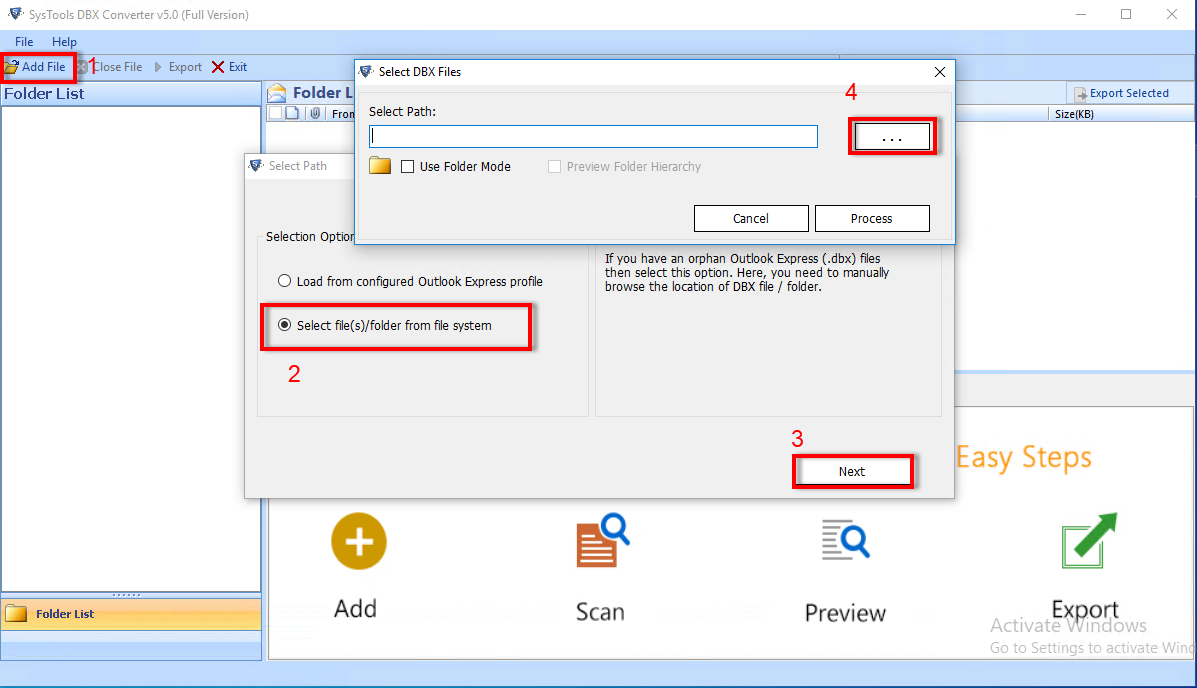
- Now next step is to choose Outlook Express DBX files to convert DBX file to PST, EML, MSG, RTF file format. To select DBX files, user has to click on Add button as shown below in the red marked area:
- After clicking on the Add button button, software will ask to choose a DBX file as shown in the following screen:

- User has to select the DBX File and then Click on the "Open" button. For selecting another DBX file, user has to repeat the same step as above. After selecting a number of DBX files, software will list all the selected .dbx files as shown under:

- Now user has to click on the Browse button to select a location for saving the converted PST, EML, MSG & RTF files. After clicking the Browse button, following screen appears:

- Desired location has to be choosen. Then, user should click on the OK button. Software will display the following screen:
- Now user has to select the Output File Format from theSave Option. Software allows to convert Outlook Express DBX files in four formats (EML, PST, MSG, & RTF) as shown under:

- Save as EML - This option allows to convert Outlook Express emails from DBX file into EML format.
- Save as PST - This option allows to convert Outlook Express DBX files into Outlook PST file format .
- Save as MSG - This option allows to convert Outlook Express emails from DBX file into MSG file format.
- Save as RTF - This option allows to convert Outlook Express emails from DBX file ino RTF file format.
- User has to choose the option he requires to convert Outlook Express DBX file. After choosing the required Save Option, software will display following screen:

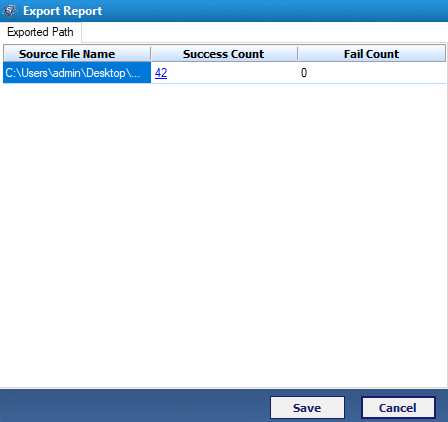
- User has to click on the Convert button to start the process of DBX file conversion. On clicking Convert button, software will show an on-screen progress detail as shown below:
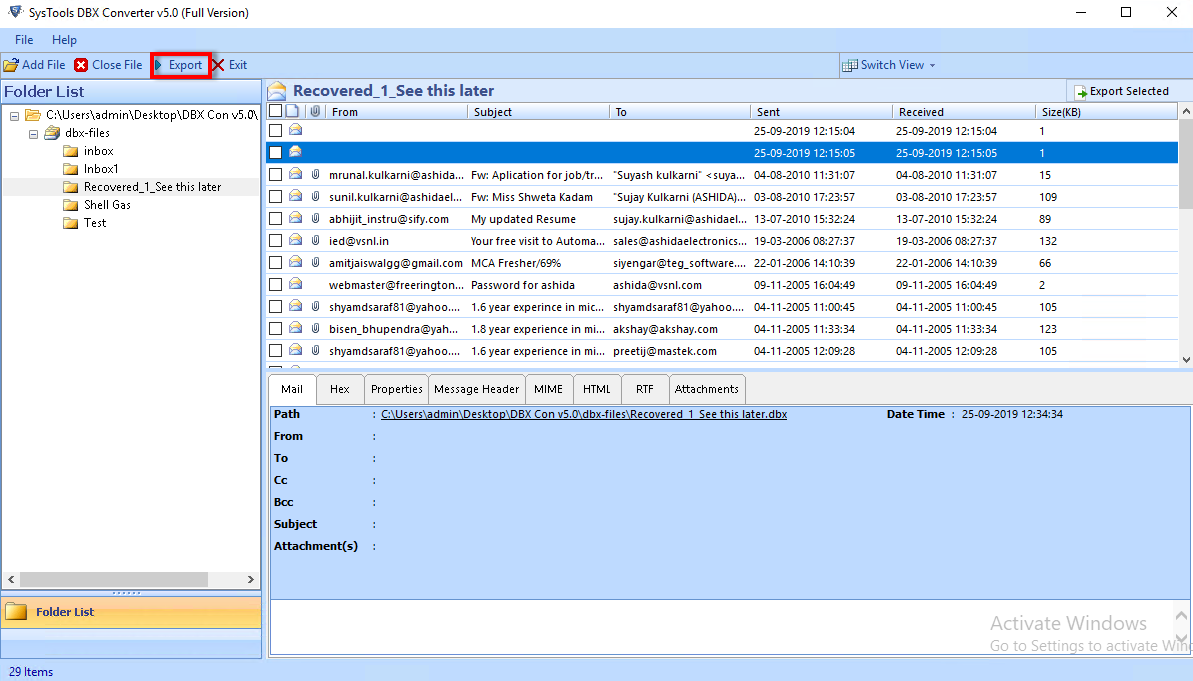
- After converting selected DBX files, user can open the converted file/files (PST, EML, MSG, RTF) by navigating the saving location selected by him during the process.


We provide technical support to our customers 24x7.